UGC
Collect, manage, and showcase user-generated content across your marketing channels.
User-generated content (UGC) is content created by your customers and community. Cevoid's UGC module lets you collect this content alongside your own brand content and showcase it across your website and marketing channels.
UGC needs an active UGC plan. Email widgets and DPA feeds are extended features, part of the UGC Extended add-on.
This guide introduces the core concepts and workflows of Cevoid's UGC module. To set up UGC from a new workspace to a gallery on your store, see Setup checklist.
The UGC workflow
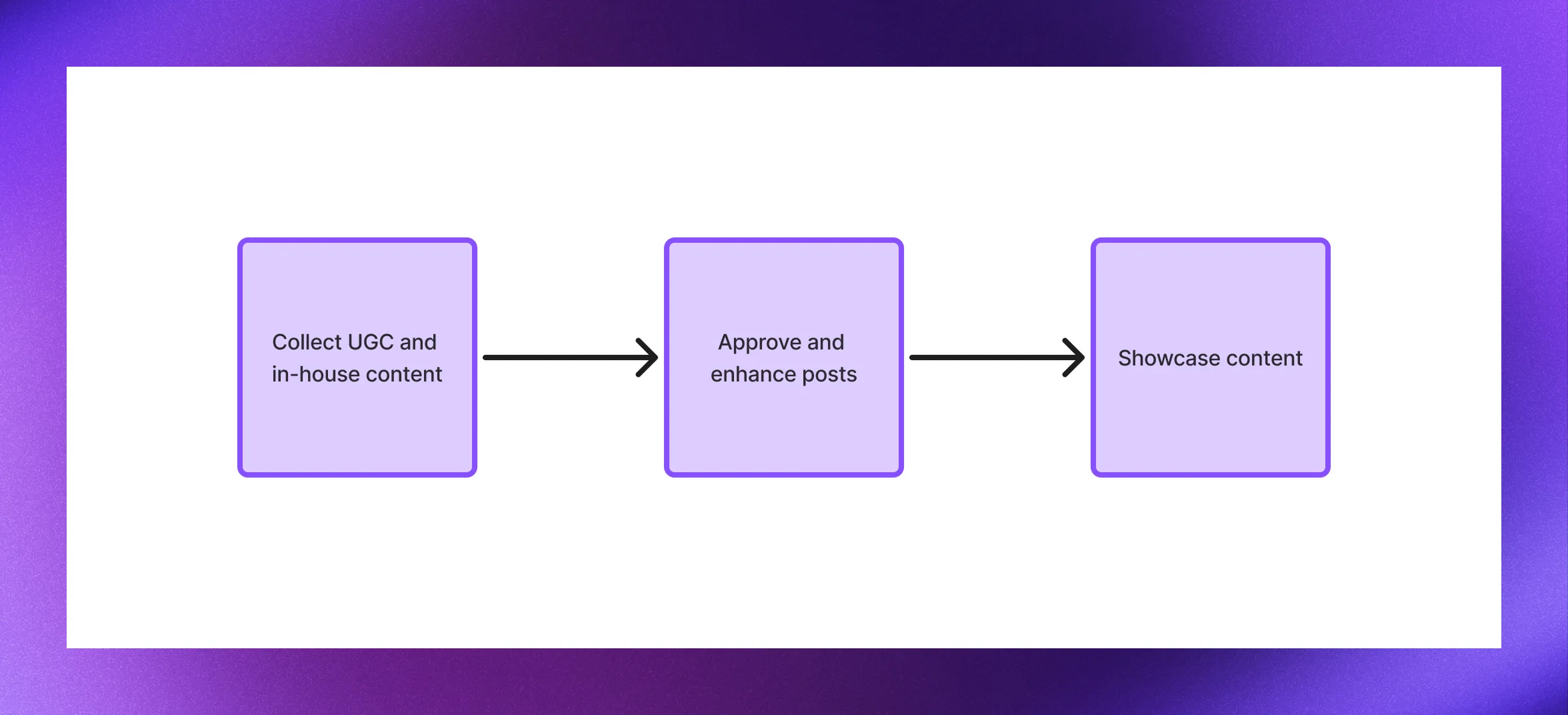
Cevoid's UGC workflow follows three phases: collect content from multiple sources, manage it in your Library, and showcase it across your channels.
Collect
Collect photos and videos from social media, direct uploads, and your own brand feeds. Once collected, content becomes posts in your workspace that are ready to enhance and showcase. Post-purchase and thank you emails ask customers for photos after a purchase and thank customers who upload. To bring over posts from another UGC platform, see Import and export UGC.
Access posts your brand is tagged or mentioned in, plus content from the hashtags you track.
Invite customers to upload content directly through your website or Cevoid-hosted upload pages.
Reward customers for submitting photos and videos.
Sync posts from your brand's Instagram accounts to use alongside customer content.
Sync posts from your brand's TikTok accounts to feature video content.
Upload content directly to your workspace and use it alongside your UGC.
Manage
New content enters your Inbox as posts. From there, review and approve content, add shoppable product tags, and organize with labels before publishing to your widgets.
Review posts before they go live, filter and search your content, and manage everything your team has collected.
Add shoppable product tags with hotspots, categorize content with labels, and enhance your posts.
Showcase
Display approved posts in shoppable widgets on your website, in emails, and across your ad campaigns. Galleries and dynamic email widgets automatically update with your latest approved content that matches their filters. Set each gallery's layout and style in Gallery design. When a visitor clicks a post in a gallery or card, it can open in the UGC popup.
Multi-post shoppable widgets that showcase your content in customizable layouts on any page.
Single-post shoppable widgets for featuring standout content anywhere on your site.
Add shoppable UGC to your email campaigns, hand-picked or updated automatically.
Populate your dynamic product ad feeds with UGC.
Localization and accessibility
Cevoid automatically handles localization and accessibility so your content works for every visitor.
Widgets adapt to each market: they translate captions and display the correct product names, prices, and links from your product catalog. Accessibility features such as alt text, video captions, and descriptions are generated automatically and translated for each market.
Automatic caption translation for all your markets.
Localized pricing, currency, and product links.
WCAG-compliant alt text and video descriptions.