

The UGC workflow
Cevoid’s UGC workflow follows three phases: collect content from multiple sources, manage it in your library, and showcase it across your channels.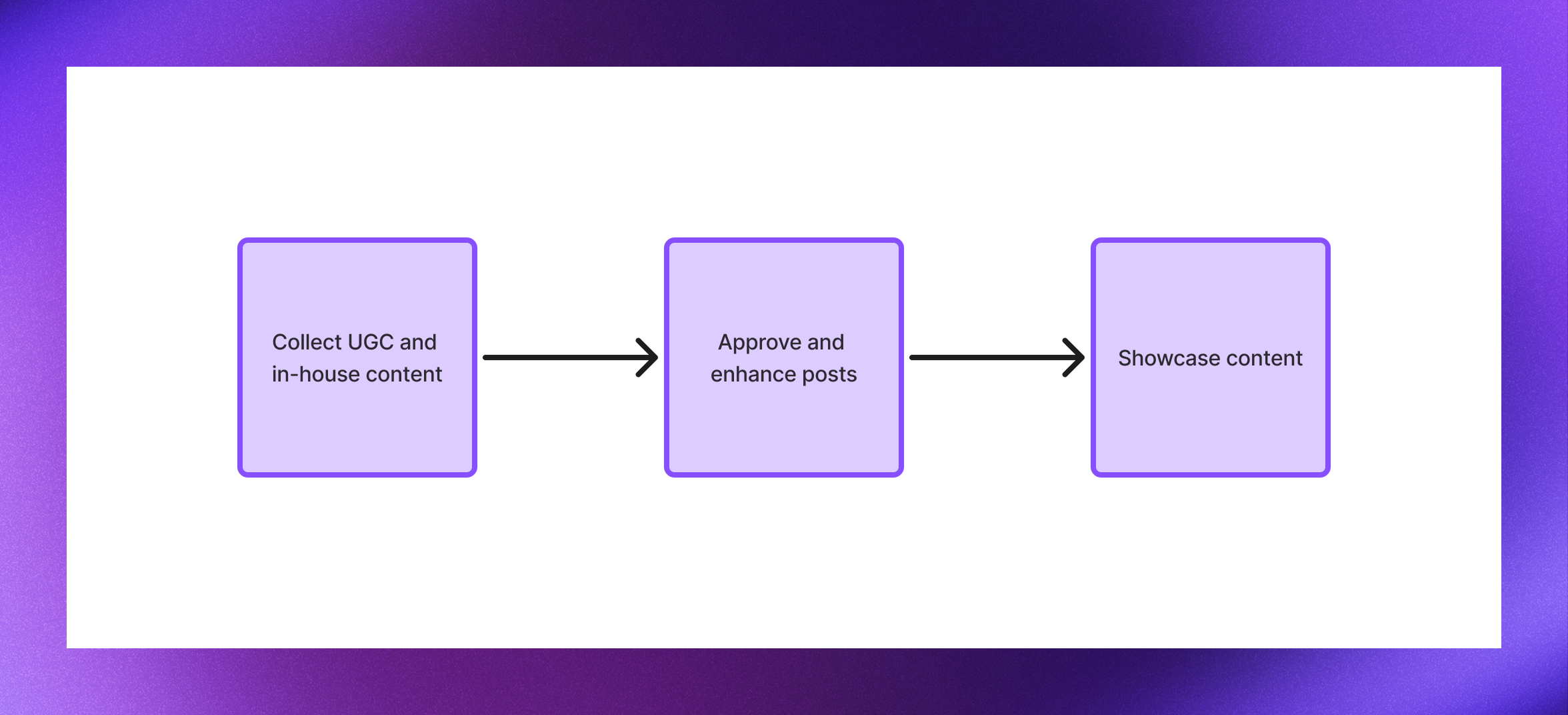
Collect
Collect photos and videos from social media, direct uploads, and your own brand feeds. Once collected, content becomes posts in your workspace that are ready to enhance and showcase.UGC from Instagram
Access posts your brand is tagged or mentioned in, plus content from your favorite hashtags
Upload forms
Invite customers to upload content directly through your website or Cevoid-hosted upload pages
Rewards program
Incentivize content creation by rewarding customers for submitting photos and videos
Instagram feed
Sync posts from your brand’s Instagram accounts to use alongside customer content
TikTok feed
Sync posts from your brand’s TikTok accounts to feature video content
Platform uploads
Upload content directly to your workspace and use it alongside your UGC
Manage
New content enters your Inbox as posts. From there, review and approve content, add shoppable product tags, and organize with labels before publishing to your widgets.Library & Inbox
Review posts before they go live, filter and search your content, and manage everything your team has collected
Posts
Add shoppable product tags with hotspots, categorize content with labels, and enhance posts for maximum impact
Showcase
Display approved posts in shoppable widgets on your website, in emails, and across your ad campaigns. Widgets automatically update with your latest approved content that matches their filters.Galleries
Multi-post shoppable widgets that showcase your content in customizable layouts on any page
Cards
Single-post shoppable widgets perfect for featuring standout content anywhere on your site
Email widgets
Add shoppable UGC to your email campaigns with widgets that update automatically
DPA feeds
Populate your dynamic product ad feeds with authentic customer content
Localization and accessibility
Cevoid automatically handles localization and accessibility so your content works for every visitor. Widgets adapt to each market: translating captions and displaying the correct product names, prices, and links from your product catalog. Accessibility features like alt text, video captions, and descriptions are generated automatically and translated for each market.Translations
Automatic caption translation for all your markets
Products & Markets
Localized pricing, currency, and product links
Accessibility
WCAG-compliant alt text and video descriptions